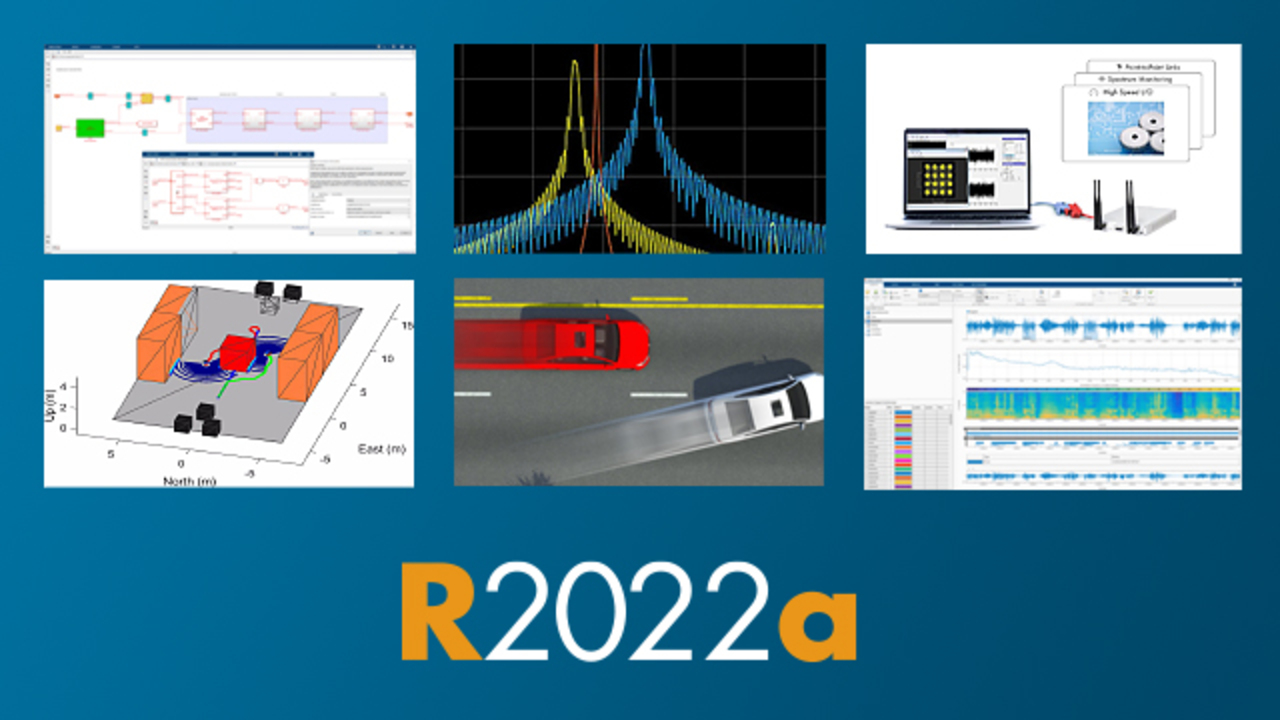

- RoadRunner Scenario
- Bluetooth Toolbox
- DSP HDL Toolbox
- Industrial Communication Toolbox
- Wireless Testbench

RoadRunner Scenario
With RoadRunner Scenario, you can design scenarios for your automated driving systems to create simulations and perform various tests. You can use pre-built vehicles as actors for your simulations or create your own actors using MATLAB and Simulink or CARLA. You can also visualize the scenarios you create with RoadRunner Scenario and connect to other simulators for co-simulation. You can export your scenarios to ASAM OpenSCENARIO. You can then use these scenarios in any OpenSCENARIO-compatible simulator and player. The RoadRunner API enables you to create various automated tests by allowing you to modify scenario parameters. You can use the API to automate workflows such as running simulations of scenarios in different scenes and then exporting them.

Bluetooth Toolbox
Bluetooth Toolbox provides standards-based tools for designing, simulating, and verifying Bluetooth communication systems. It supports test waveform generation, golden reference verification, and Bluetooth network modeling.
With Bluetooth Toolbox, you can configure, simulate, and analyze end-to-end Bluetooth communication links. You can create and reuse test scenarios to verify that your designs, prototypes, and applications comply with Bluetooth standards, including Bluetooth Low Energy (LE) and Bluetooth Classic. By modeling multiple layers of the Bluetooth protocol stack, you can also evaluate coexistence, interference, localization, and LE Audio scenarios.
DSP HDL Toolbox
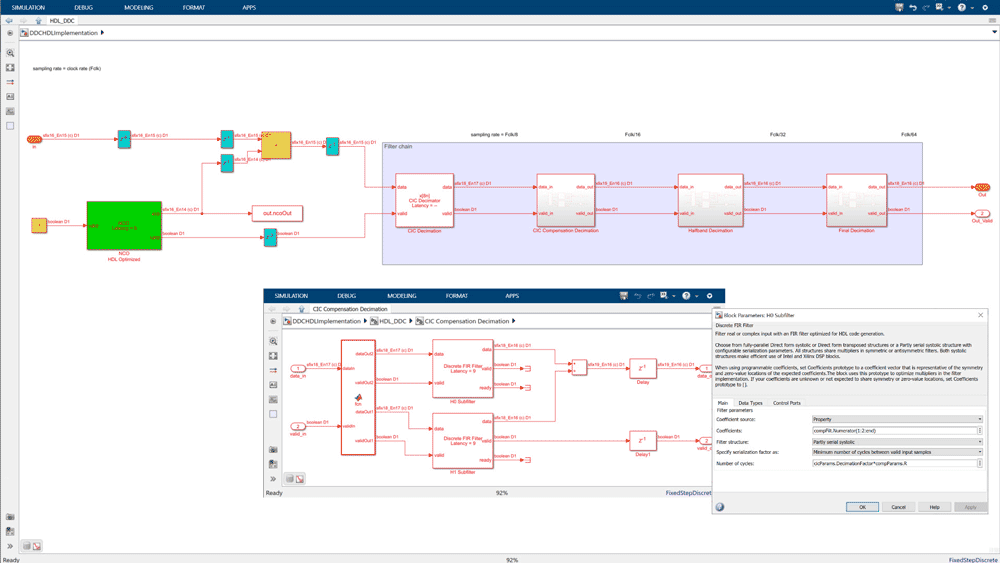
The DSP HDL Toolbox provides pre-validated, hardware-ready Simulink blocks and subsystems for developing signal processing applications such as wireless, radar, audio, and sensor processing. It includes templates for interfacing with MATLAB and Simulink, as well as reference examples. Using the DSP HDL Toolbox, you can model, explore, and simulate hardware architecture options for DSP algorithms. IP blocks enable serial and parallel processing, allowing you to explore the design space between resource utilization, power, and GSPS output performance per second. DSP HDL Toolbox algorithms enable you to generate readable, synthesizable code in VHDL and Verilog (using HDL Coder). You can also create SystemVerilog DPI verification components from designs using these algorithms (using HDL Verifier).

Industrial Communication Toolbox
The Industrial Communication Toolbox provides direct access to live and historical industrial plant data from MATLAB and Simulink. You can read, write, and log OPC Unified Architecture (UA) data from devices such as distributed control systems, controller-based data acquisition systems, and programmable logic controllers. You can also access plant and production data directly from OSIsoft® PI servers and use this data for process monitoring, process improvement, and predictive maintenance applications. You can work with data from live servers and data historians that comply with OPC UA, OPC Data Access (DA), and OPC Classic Historical Data Access (HDA) standards. When communicating via OPC UA, you can securely connect to OPC UA servers using various security modes, encryption algorithms, and user authentication methods. The Industrial Communication Toolbox includes Simulink blocks that enable you to model online control and perform in-the-loop hardware controller testing. In both MATLAB and Simulink, you can verify algorithms and create connected digital twin models for IoT applications by establishing a secure OPC UA connection to your facility. It also supports communication with edge devices and cloud servers via Modbus and MQTT protocols.

Wireless Testbench
Wireless Testbench provides ready-to-use reference applications for operation on software-defined radio (SDR) hardware such as USRP, which utilizes airborne signals for high-speed data transmission, capture, and spectrum monitoring. Using MATLAB command line instructions, you can connect to supported SDR hardware, configure pre-built FPGA bit streams as reference applications, run them, and perform real-time measurements. Using the configurable input detector, you can define a trigger to capture only the signal of interest for offline analysis in MATLAB.